

Website Design
How Much Does a Small Business Website Cost in 2026?
Understanding website design costs, ongoing expenses, and what small-business owners should look for before investing in a new website.
10 min readCody Milia
Website Design
Seven common website mistakes that quietly drive potential customers away — and practical, straightforward ways to fix each one.
Your website might be costing your business customers without you even realizing it.
Imagine someone searching Google for a local landscaping company. They find two businesses offering similar services. One has a clean, modern website with customer reviews, clear pricing information, and an easy way to request an estimate. The other has an outdated website that's difficult to navigate and barely works on a phone.
Which business do you think they'll contact first?
For small businesses, a website is often the first impression a potential customer gets. Even if you provide excellent services, a poorly designed website can make it harder for customers to trust your business and reach out.
Here are seven common website mistakes that could be driving potential customers away — and what you can do to fix them.
Think about the last time you searched for a local business. Chances are, you were using your phone.
Customers regularly use smartphones to find nearby businesses, compare services, and contact companies. If your website doesn't work properly on a mobile device, you're making that process unnecessarily difficult.
Common mobile website problems include:
A customer shouldn't need to zoom in, scroll sideways, or struggle with your website just to find your phone number.
How to fix it: Use a responsive website design that automatically adjusts to different screen sizes. Test your website on actual phones and tablets to make sure everything looks and functions correctly.
A mobile-friendly website makes it easier for customers to browse your services, find important information, and contact your business.
Nobody enjoys waiting for a slow website.
When someone clicks on your website, they expect it to load quickly. If pages take too long to appear, visitors may leave before they even see what your business offers.
Slow websites can also create a frustrating experience for customers who are trying to compare several local businesses.
Common causes of slow websites include:
For example, a landscaping company might upload dozens of high-resolution project photos without optimizing them. While those images help showcase its work, oversized files can significantly slow down the website.
How to fix it: Compress images, remove unnecessary scripts, and use reliable hosting. You can also test your website using Google's free PageSpeed Insights tool to identify performance issues.
A faster website creates a smoother experience and makes it easier for visitors to explore your business.
This might sound obvious, but you'd be surprised how many small business websites make contacting the business unnecessarily difficult.
Imagine a homeowner who wants an estimate for a new roof. They visit a roofing company's website but can't find a phone number or contact form.
Rather than searching through multiple pages, they might simply move on to another roofing company.
Your website should make the next step clear.
Every small business website should consider including:
Calls to action are especially important.
Instead of using a vague button labeled "Learn More," a plumbing company could use "Request a Free Estimate" or "Schedule a Service."
These buttons clearly communicate what the customer can do next.
How to fix it: Make contact information easy to find throughout your website, particularly on mobile devices. Keep contact forms short and only ask for the information you actually need.
The easier it is to contact your business, the fewer unnecessary obstacles stand between a visitor and a potential customer.
Your website doesn't need expensive animations or complicated features to look professional.
However, outdated designs can make potential customers question whether a business is still active or paying attention to its online presence.
Common signs of an outdated website include:
For example, imagine a cleaning company with a website that still advertises a holiday promotion from three years ago.
A visitor might wonder whether the company is still operating.
It's important to remember that an older website isn't automatically a bad website. If it's easy to use, accurate, and visually consistent, it may still serve your business perfectly well.
How to fix it: Review your website regularly. Update outdated information, simplify cluttered layouts, replace poor-quality images, and maintain consistent branding.
A professional website should reflect the quality of the services your business provides.
When someone visits your website, they should be able to understand what your business offers within a few seconds.
Unfortunately, some websites focus so heavily on creative slogans and visuals that they forget to explain the actual services.
Consider these two headlines for a landscaping company:
Example A: "Transforming Dreams Into Reality."
Example B: "Professional Landscaping and Lawn Care Services in Albany, NY."
The first headline sounds appealing, but it doesn't clearly explain what the business does.
The second immediately identifies the service and location.
You can still use creative language, but it should support a clear explanation of your business.
How to fix it: Make sure your homepage answers three important questions:
Consider creating individual pages for your primary services.
For example, an auto detailing business could have separate pages for interior detailing, exterior detailing, and paint correction.
This helps customers find relevant information and gives search engines clearer context about your services.
Before contacting a business, customers often want reassurance that they're making the right decision.
They might look for examples of previous work, customer feedback, or information about the people behind the company.
If your website provides none of these details, potential customers may hesitate to reach out.
Ways to build trust on your website include:
For service-based businesses, a project gallery can be especially valuable.
A painting company could display before-and-after photos of completed projects. A landscaping company could showcase patios, lawns, and outdoor transformations.
These examples help potential customers visualize the quality of your work.
How to fix it: Add genuine testimonials and real examples of completed projects. Avoid fake reviews, misleading claims, or stock photos presented as your own work.
Your website should give people a reason to feel confident choosing your business.
Having a beautiful website is great, but it won't help much if potential customers struggle to find it.
Search engine optimization, commonly called SEO, helps search engines understand your website and its content.
For local businesses, this is particularly important.
Imagine someone searching for "house cleaning services in Utica, NY."
If your website clearly explains your cleaning services and the areas you serve, it gives Google more relevant information to understand your business.
However, if your website barely mentions your services or location, it may be harder for search engines to connect your business with relevant searches.
Common local SEO mistakes include:
How to fix it: Include relevant service descriptions, accurate location information, descriptive page titles, and helpful content that answers customer questions.
Creating and maintaining a Google Business Profile can also help eligible businesses appear in Google Search and Maps.
Keep in mind that SEO takes time. There are no guaranteed rankings, and simply adding keywords to a website won't automatically put it at the top of Google.
The goal is to create a helpful website that clearly communicates what your business does and who it serves.
You don't necessarily need to rebuild your entire website to improve it.
Sometimes, relatively small changes can make a meaningful difference.
Improving mobile navigation, simplifying contact forms, updating photographs, and clarifying your services can help create a better experience for potential customers.
Start by reviewing your website from a customer's perspective.
Ask yourself:
If you struggle with any of these questions, there's probably room for improvement.
At WebFoundry, we believe small businesses deserve professional websites without unnecessary complexity or excessive costs.
We design modern, responsive websites that help businesses showcase their services, communicate clearly, and make it easier for potential customers to get in touch.
Whether your current website needs an upgrade or your business doesn't have a website yet, we're here to help you build a stronger online presence.
Not sure where your website could improve?
Reach out to WebFoundry for a free, no-obligation website assessment. We'll identify potential improvements and help you understand what might be worth changing.
Visit webfoundry.design to get started.
Understanding website design costs, ongoing expenses, and what small-business owners should look for before investing in a new website.
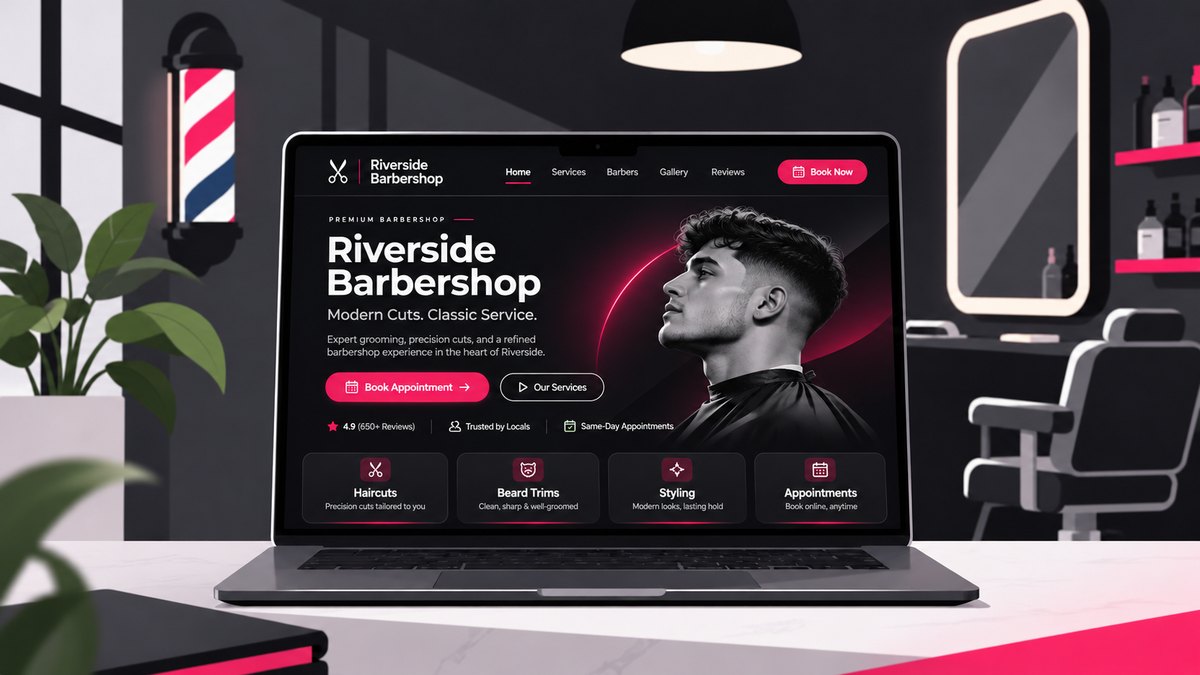
Why having a professional website still matters for local businesses—even in a world dominated by social media.